making this website
tags: 👨💻-dev, 🌱-early, 🔬-thissite,highlights:
- framework: astro.js(4.5.12)
- starter:
npm create astro@latest - hosting: github pages
- github workflows: astro deploy
misc notes:
- this repo was originally created in 2015
- first-form was a jekyll-site
- then next.js
- then just an index.html for the longest while
- currently, astro feels good
why this stack?
i’m not sure what this stack would be considered (astro + md(x) + githubpages), agm / gam / mag or amgp?
i’ve always liked the idea of astro, & the ability to try other frameworks within* it.
i’m curious about the aha stack, because i haven’t poked around htmx or alpine.js, but they sound really interesting (i’m already a big fan of astro).
basic structure
i plan on having most of the files be md(x), but there’s still a few that are astro (home, about, user story mapping sample).
a few main pages
- home
- (samples pages):
- sample01.astro
- sample02.mdx
- …mdx
- notes index
- notes-page.md
- notes-page02.md(x)
- …md(x)
- about
i’ve got samples-index hidden at the moment.
‘samples’ is intended to be a ‘work sample’ thing. the anxiety of having legitimate case studies is weighing on me too much, especially with the amount of time that’s passed since my last fulltime role.
in order to keep links and resources more relevant, i’m framing it as a sample of some work that i’ve done with some current resources that would help today.
just 2-overcomplicated
originally, i had marked a separate content collections with a work collection.
this meant creating additional folders & setup pages.
after going through the process, it seemed to make less sense, especially with my current samples folder.
i can keep the structure pretty flat, and adjust later if i need to create folder for separation. (tried nested folders-test && it seemed to work with the [...slug].astro file).
take a peek
this section grew enough that it got its own page — take a peek →
meta notes
i like to spread my thoughts across different tools & mediums.
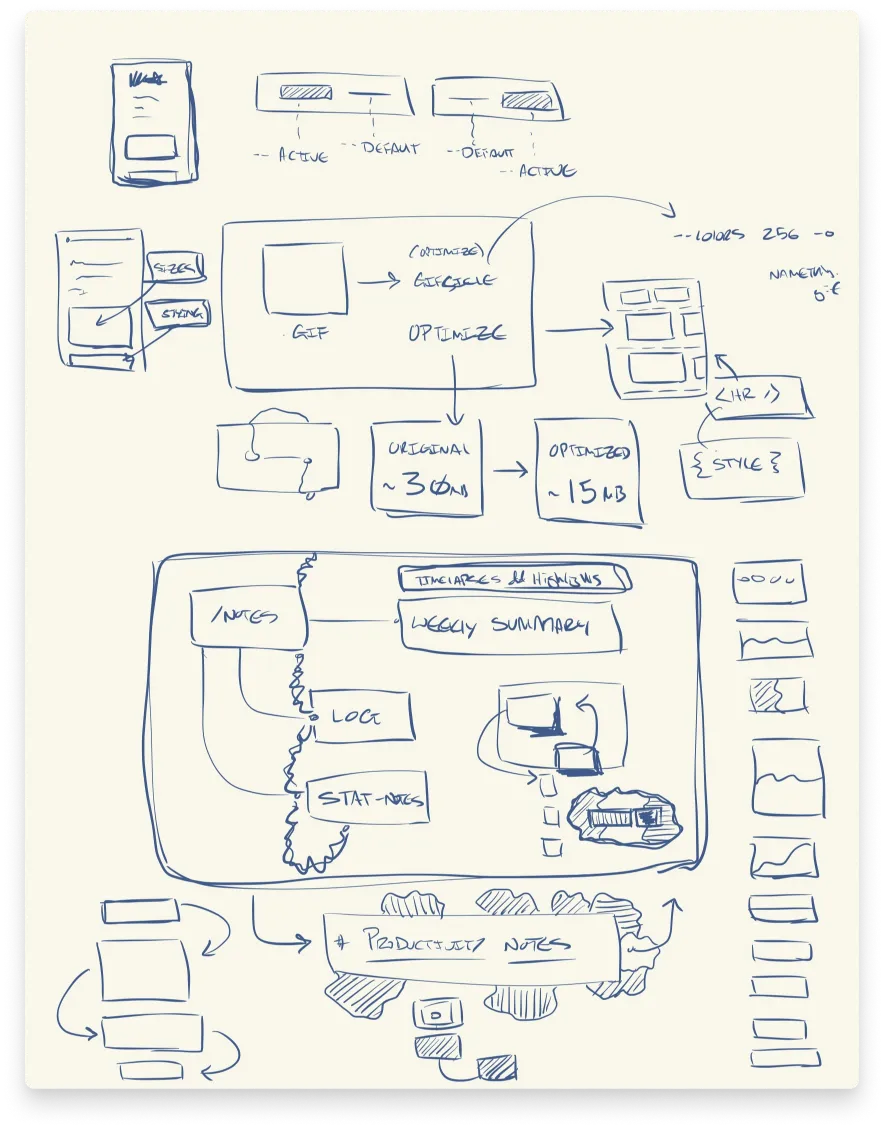
- goodnotes great writing-flow (feels very similar to Paper), & the selection-tool is very fun.
sometimes the difference is subtle, but usually there are enough differences between tools that i tend to get different ideas.
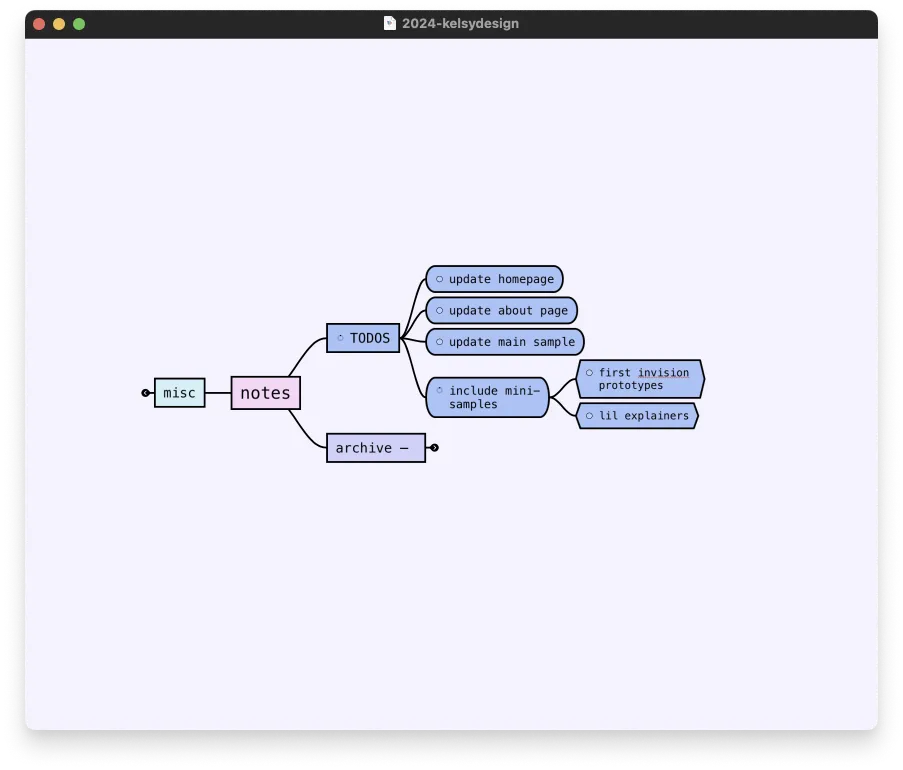
- mindnode i downloaded mindnode2 in 2016, & it’s been a longtime favorite mindmapping tool of mine. you can view it in outline mode & manage tasks+sub-tasks. yes, there are other tools that have mindmapping features, like figjam, but there is a significant difference in experience between a dedicated - native app versus a feature added to a product. if you like the idea of mindmapping, but you haven’t found a tool that you’re happy with, i’d encourage you to experiment until you find one because it can make exploring ideas a lot more fun.
doodling out the different ideas in goodnotes on the ipad + apple pencil is a lot different from using a dedicated mindmapping tool that’s also a native app (i.e., not electron) like mindnode on a mac mini.
i also end up thinking a lot with a mix of code, figma, & browser (testing + tabs for docs).
exploring & asset creation + seeing in the browser, back to figma, read some docs, explore in code + figma, repeat.
if i feel myself starting to get stuck, i’ll switch contexts to help loosen things up again.
it might be switching over to the ipad to doodle or maybe pen + paper for a bit.
- learn more on tony buzan’s website - the inventor of the mind map.
i’ve noticed that ideas come a lot easier when i let myself think from a different angle.
it’s also a good excuse to practice with different tools, but in a way that is ~semi focused on what you’re working on.